Download a Topic’s AsyncAPI Specification
Axual generates an AsyncAPI (Asynchronous API) specification for each configured topic. This guide shows you how to view that specification and download it.
Goal |
Have a topic’s AsyncAPI specification as a file you can share or import. |
Audience |
Topic Owners and users with viewer access to the topic. |
When to use |
Use this guide when you need the AsyncAPI specification for a configured topic in an environment. |
View and download the AsyncAPI specification
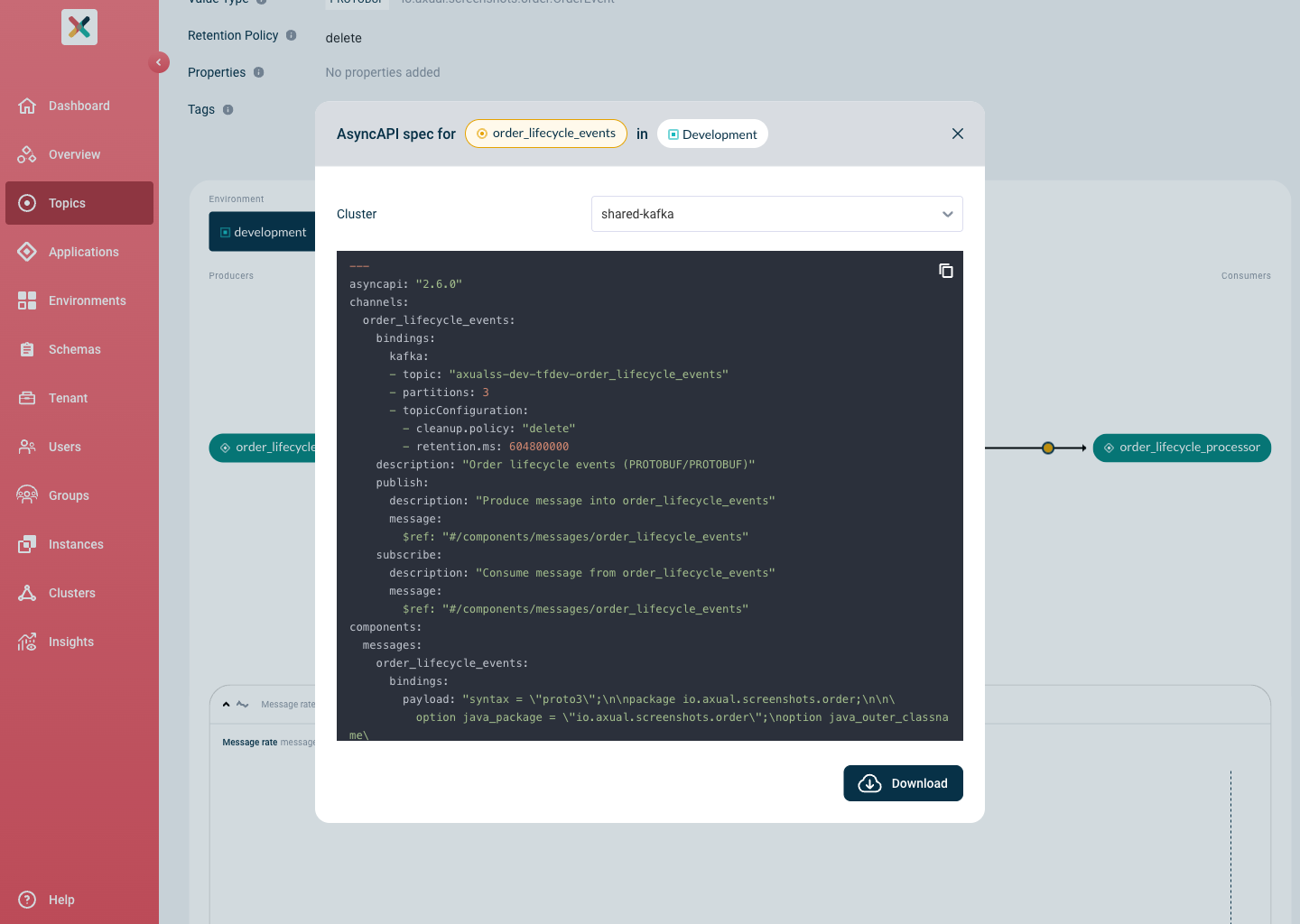
The AsyncAPI specification is available from the topic’s detail page in Self-Service. To open it and save a copy:
-
Navigate to the
Topic Detailpage. -
On the
Topic Card, click the AsyncAPI icon (the s-shape icon). -
In the modal that opens, review the generated AsyncAPI specification.
-
Click the download button at the bottom right of the modal to download the specification.