Deleting an Application
This guide shows you how to delete an application from the Self-Service portal, including what happens to its connected resources.
Type |
How-to guide |
Goal |
Remove an application, and any authorisation and topic connections it holds, from Self-Service. |
Audience |
An application owner, a user who can edit the application in Self-Service. |
When to use |
Use this guide when an application is no longer needed and you want to remove it and its resources. |
Prerequisites
Complete the following before you delete an application.
Access and permissions:
-
You are an owner of the application you want to delete.
Understand the impact before you start.
| Deleting an application also deletes its resources. If the application has authorisation configured and is connected to topics, those connections are removed as well. This might result in failing clients, because the Kafka topic is removed from the Kafka cluster. |
Delete the application
Follow the steps below to delete the application from its detail page.
-
Visit the Application Detail page.
-
Click Edit Application.
-
Locate the Delete button on the bottom left of the page.
-
Click the Delete button.
-
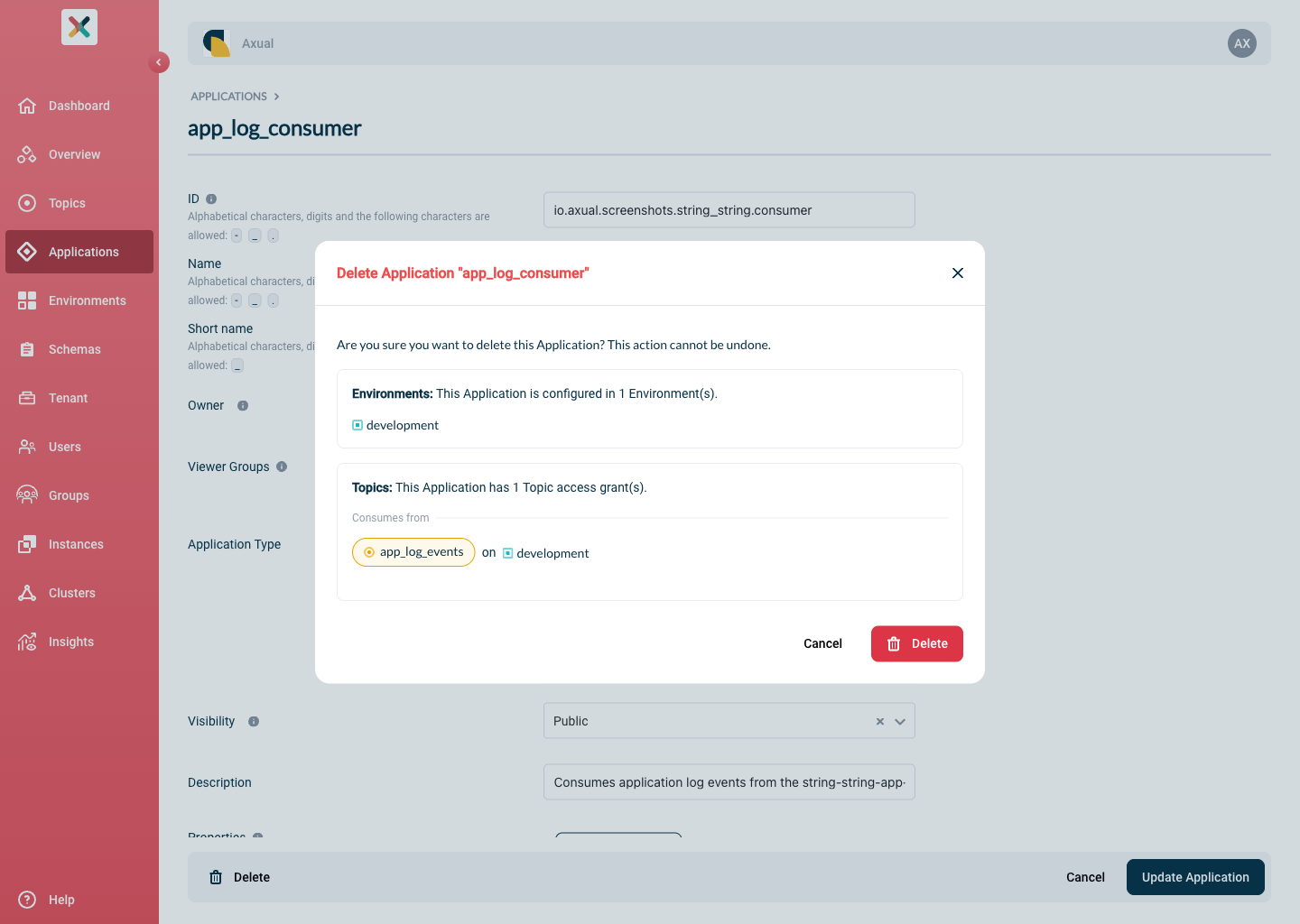
If all constraints are met and deletion is possible, a confirmation modal appears.
-
If not, a warning shows that the application is still actively mapped to topics, as below:
-
-
Click Delete Application to delete the application.
Related pages
-
Registering a Self-Managed Application, the create side of the application lifecycle.